One project, all your screens.
You organize the request on iPad, reply from your phone, and your client follows everything in their browser. The same account, the same drawings, the same conversations.
The apps can't be downloaded yet. In the meantime, everything works in your browser.
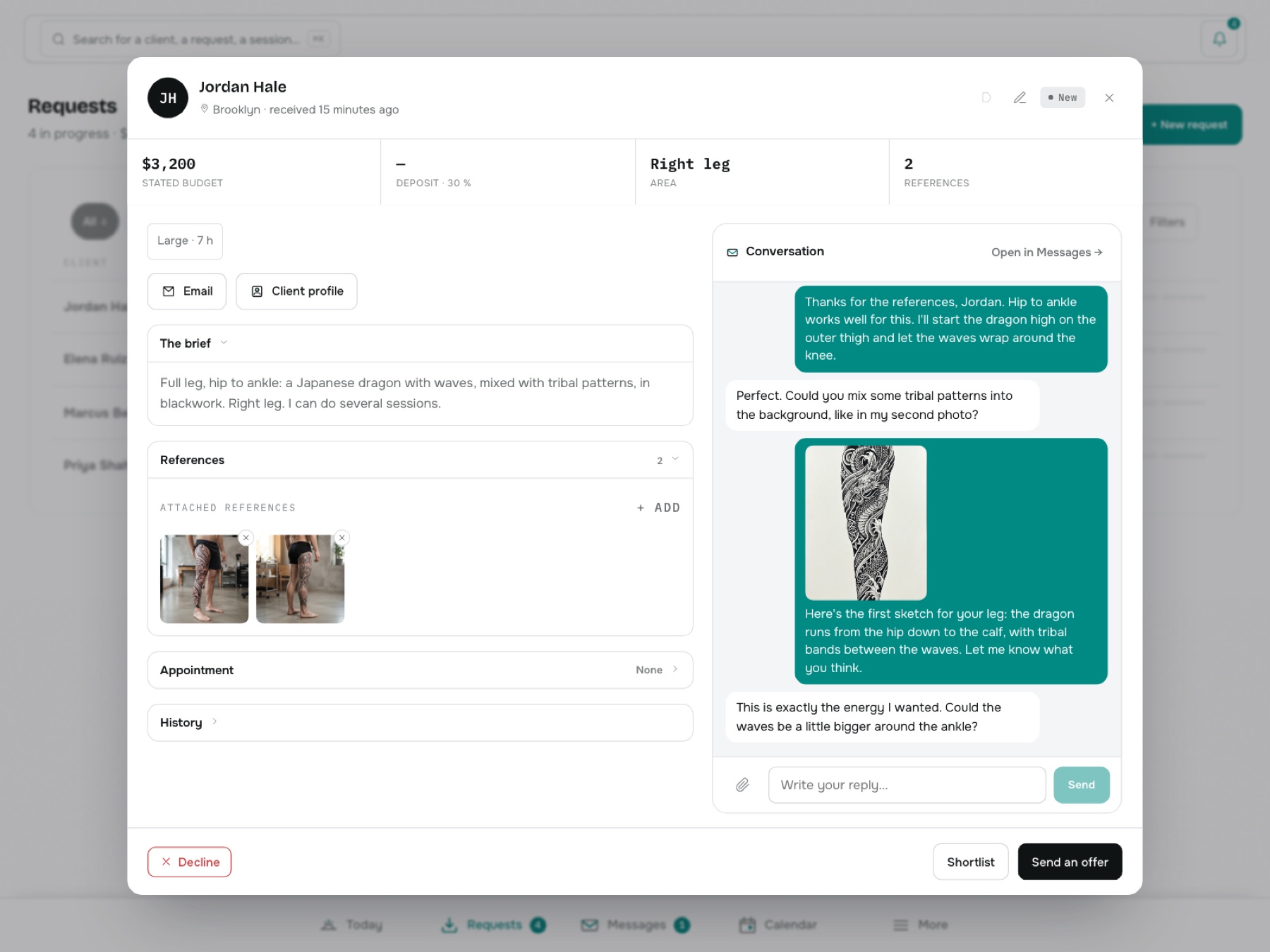
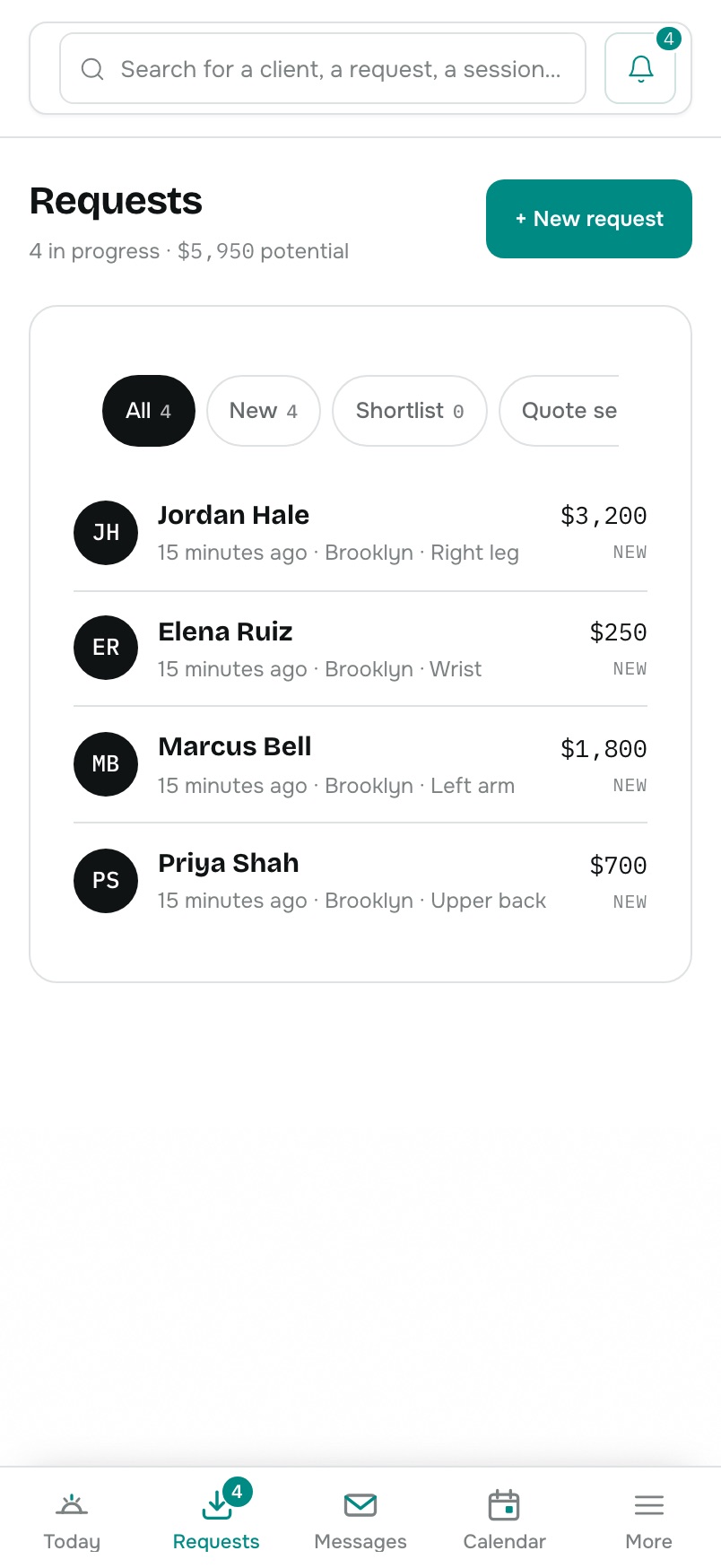
From sketch to client. Without changing how you work.
Create on iPad, organize in Inkkore, share with your client and pick up where you left off on any device.
-
01Your drawing app
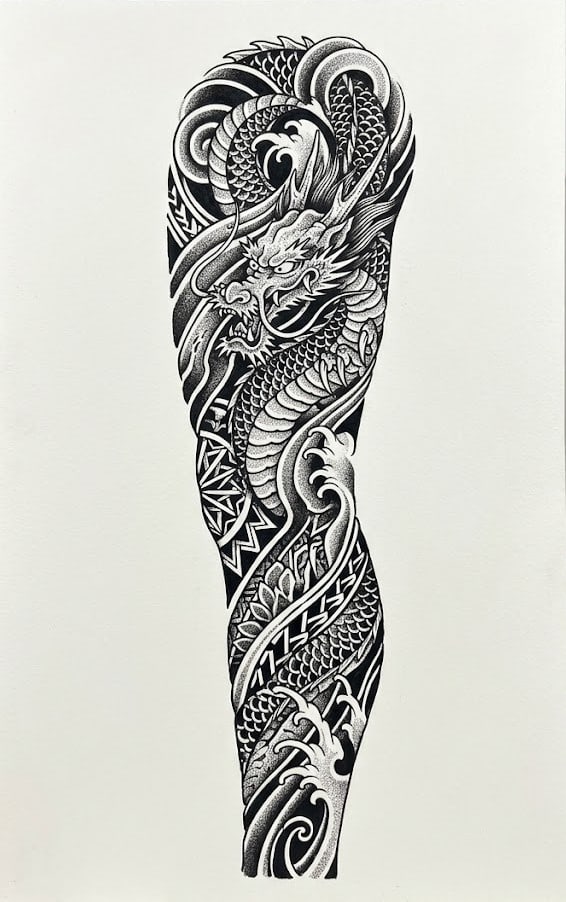
Draw in your favourite app
Procreate or the app of your choice: Inkkore doesn't replace your drawing tool. Export your design as an image, to Photos or Files.
-
02Inkkore on iPad
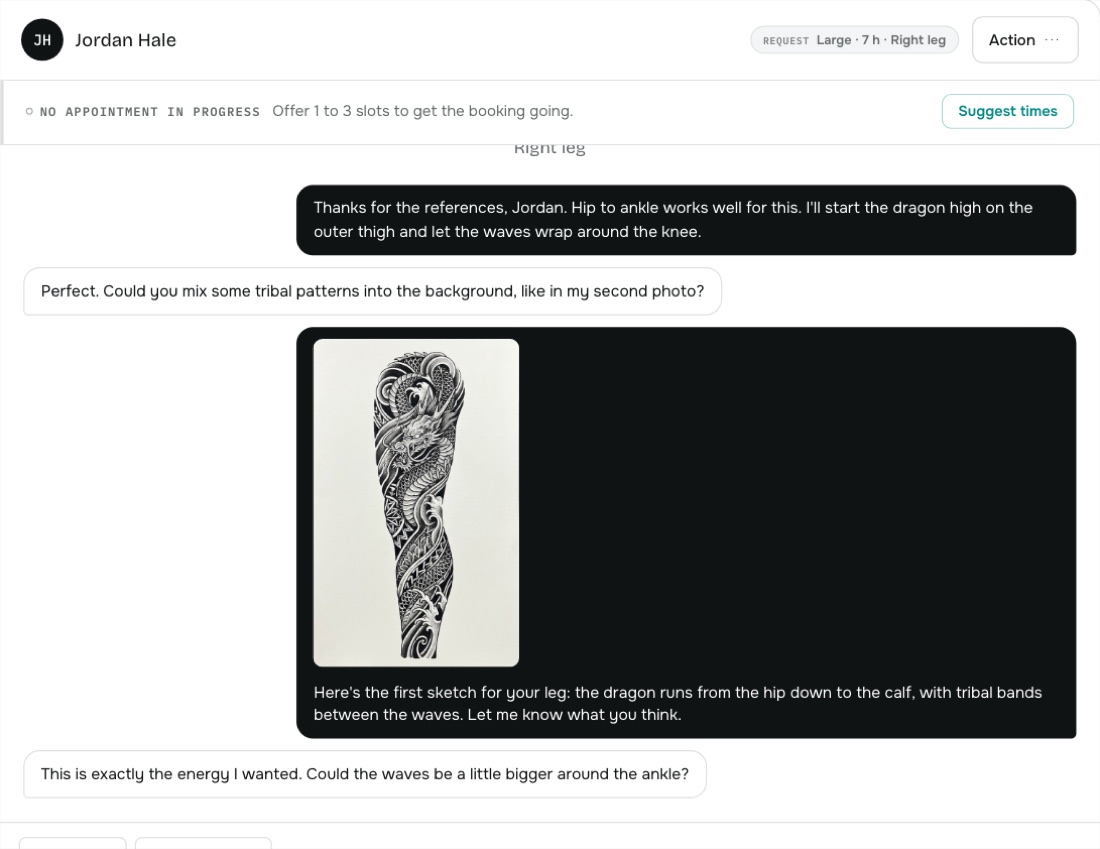
Attach it to your client's project
From the request, add the image to the conversation: the brief, the references and your design stay in one place.
The same exchange, from both sides
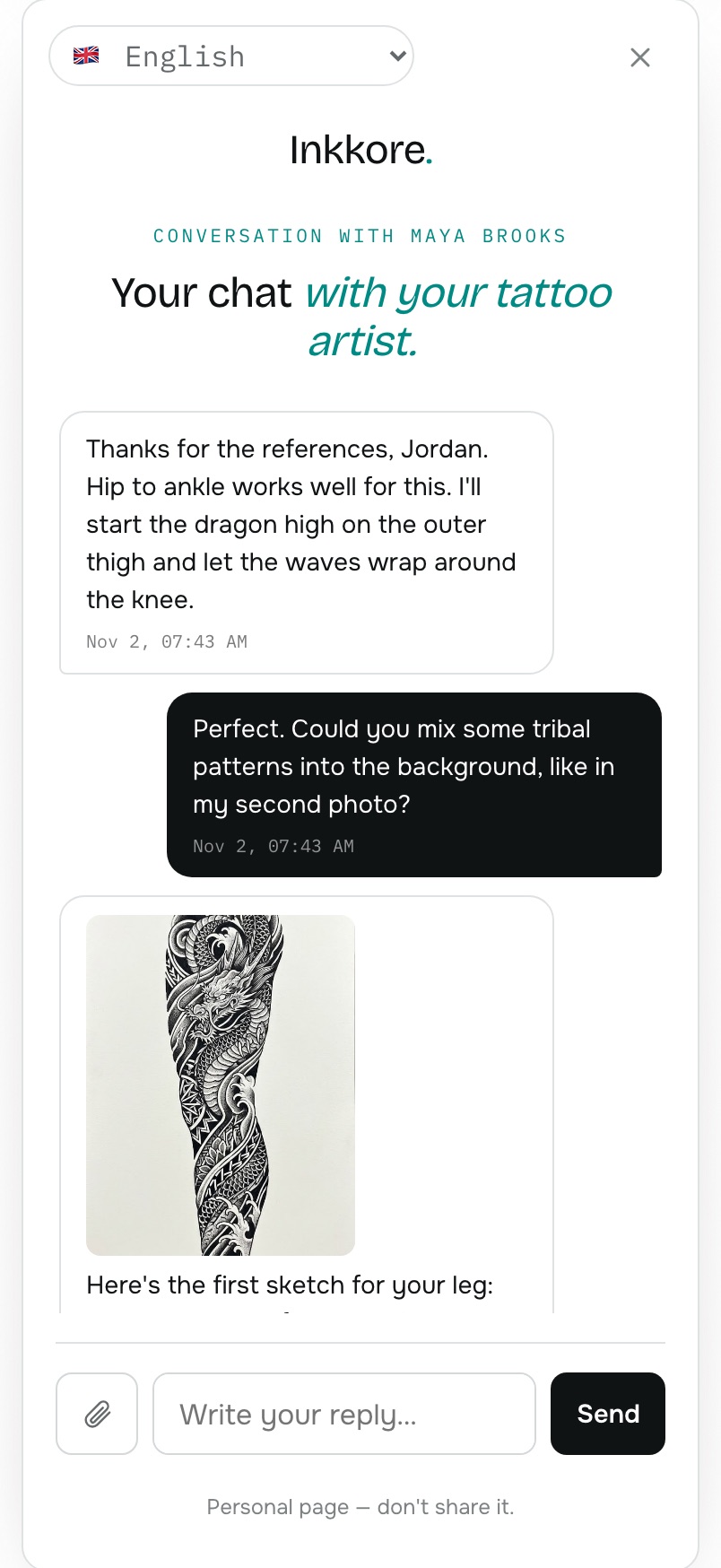
03Their browser
Your client sees it and replies
They open their private page from the link they received: your drawing and your messages, with no app and no account. Their reply lands in your request.
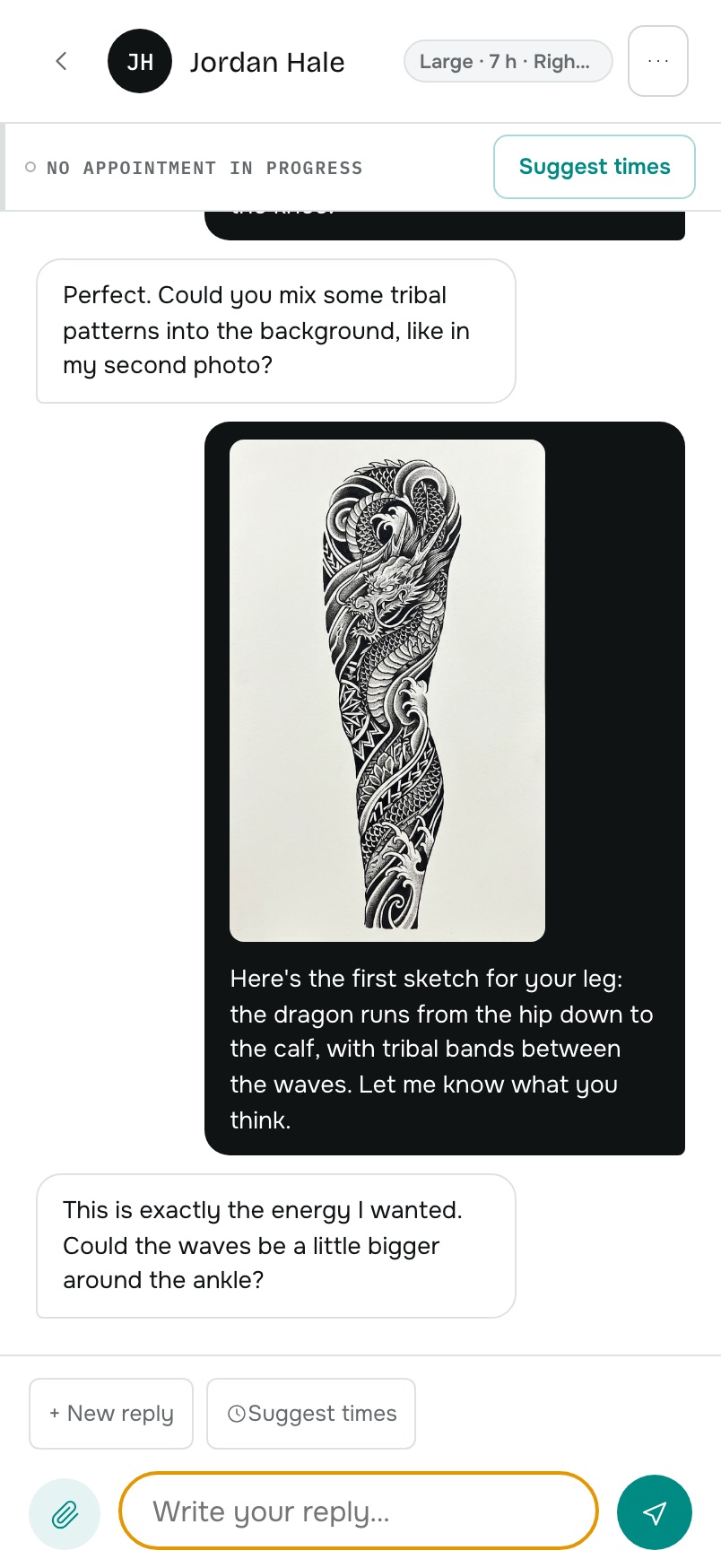
04Inkkore on iPhone
Pick up on your phone
The project, the files and the messages follow you: reopen the same conversation between two sessions.
Start on iPad. Continue on your phone. Finish on the web.
Everything lives in your Inkkore account, not on a device: your requests, clients, files and messages are there wherever you sign in. An internet connection is required.
- Coming soon
iPad Pro
Your creative workspace, connected to your clients.
The brief and the conversation side by side.
- Coming soon
iPhone and Android
Your studio in your pocket.
Your requests, messages and calendar between two sessions.
- Available
Browser
Start today.
On a computer, tablet or phone.
Studio management (team, stations, finances) is done on a tablet or computer.
Questions about the apps
Do my clients need to download Inkkore?
No. Your clients open your link in their browser: they send you their request, then follow their project on a private page (messages, quote, deposit, appointment, consent), with no app to install and no account to create.
Can I use Inkkore right now?
Yes. Inkkore works today in the browser of your phone, tablet or computer, with nothing to install.
Can I access my projects and messages from several devices?
Yes: everything lives in your Inkkore account, not on the device. You'll find your requests, files and messages on every device you sign in on. An internet connection is required.
Where do I manage my subscription?
On the website, from your browser. The apps will have no in-app purchases: you sign in with your account and find your plan.
Is the app already available?
Not yet. The iPhone, iPad and Android apps are coming soon. No date is guaranteed: this page will be updated as soon as they're on the App Store and Google Play.
Start today in your browser.
Find it all in the app tomorrow.
Claim your link, try the demo, and keep the same account when the apps arrive.